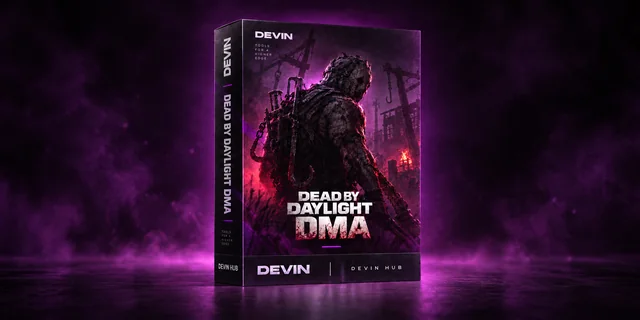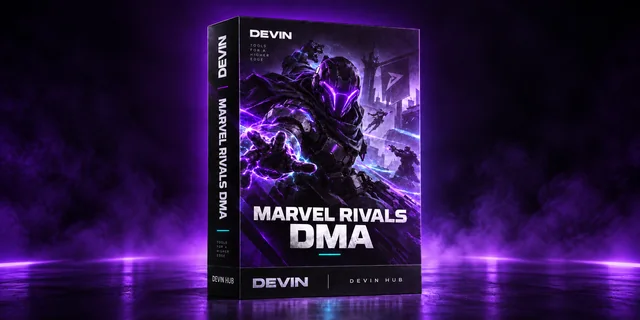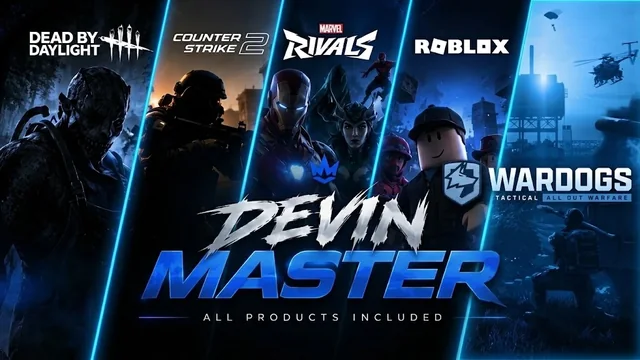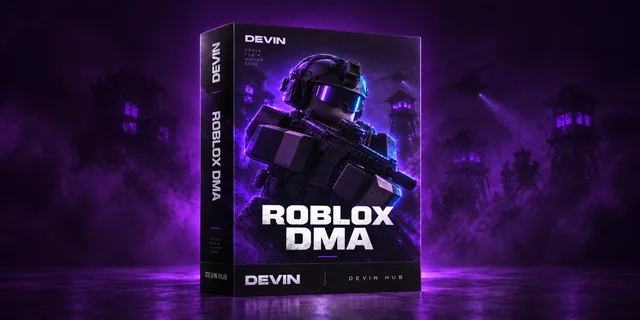

NEXT-GENERATION DMA CHEATS

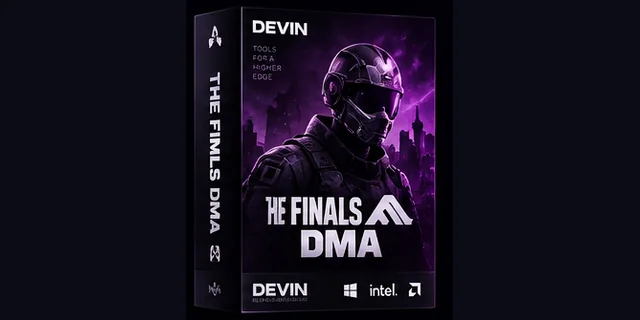
DEVIN DMA

The best DMA cheats on the market.

DESKTOP EXPERIENCE
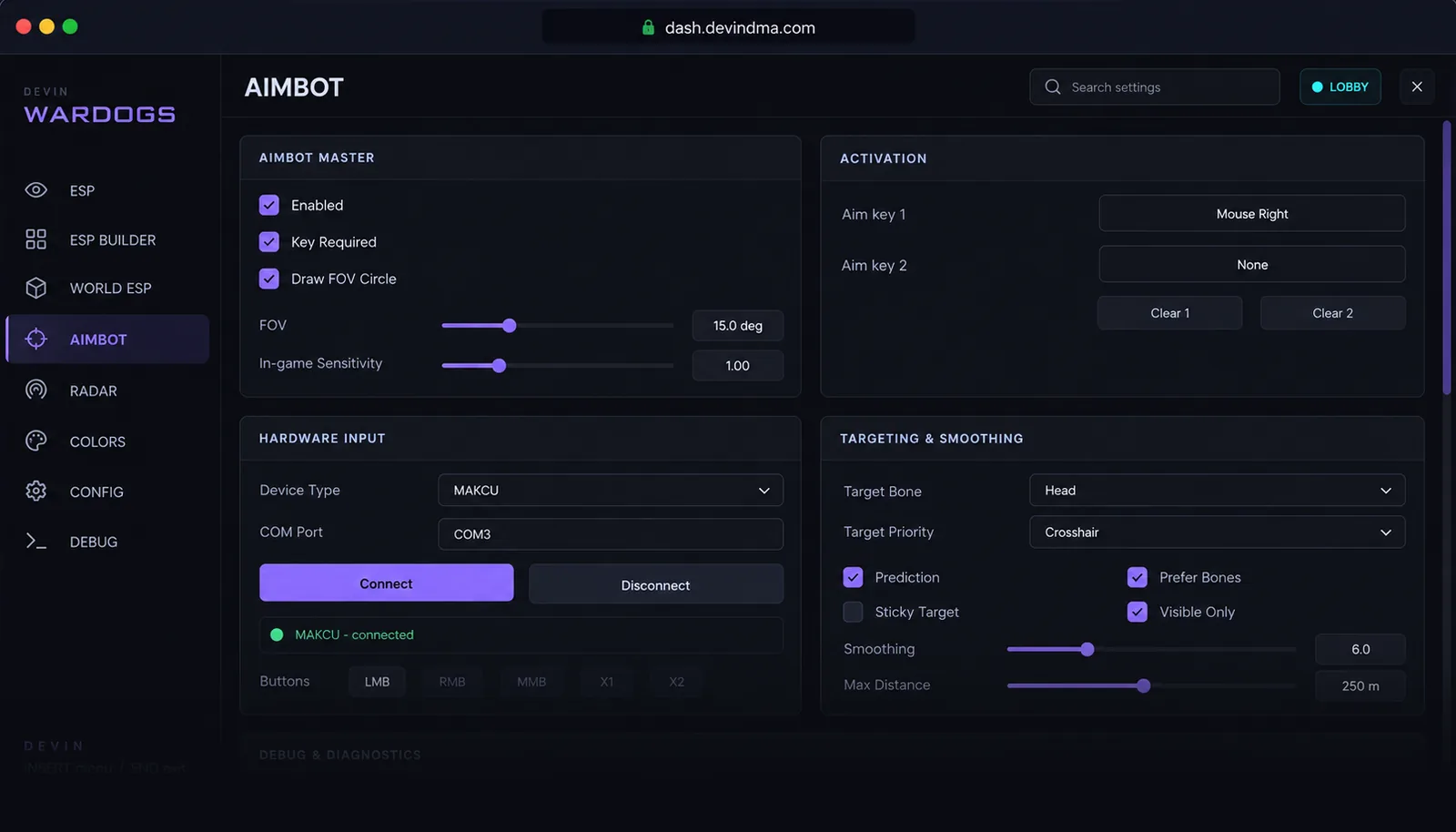
DEVIN Hub interface
Windows 10/11Permanent libraryLicense redemptionPrivacy-first

BUILT AROUND THE HUB

Everything important, in one focused workspace.

DEVIN keeps product access, license state, and installation context together in a compact desktop interface.

01

24/7 Live Support

Our dedicated support team is always available to help with setup, configuration, and any issues that may arise.

02

License redemption

Redeem the key delivered with your purchase directly inside DEVIN Hub.

03

Clear product status

Review ownership, release, license, and service states without hunting through separate tools.

04

99.9% Uptime

Our cheats are online and updated within hours of game patches. Minimal downtime means maximum playtime.

PRODUCTS

Explore our products.

Browse our range of premium DMA software and choose the access period that suits you.

A CLEAR PATH IN

From purchase to your library.

A simple four-step flow, with product access managed from the desktop Hub.

  1. 01

    Purchase a product

    Choose a product through the official DEVIN store.

  2. 02

    Receive your license

    Use the key delivered with the completed purchase.

  3. 03

    Open DEVIN Hub

    Sign in through the secure external browser flow on Windows.

  4. 04

    Redeem and access

    Redeem the key and view the assigned product in your library.

DEVIN HUB

Everything you need to get started.

Sign in, redeem your license, and access your products from one simple desktop app.

Interface capabilities OPERATIONAL UI
01LibraryAccount-assigned products in one compact view.
02LicensingKey redemption and explicit license state.
03AccountExternal sign-in with credentials kept outside the interface.
04Status interfaceReadable service, release, and availability states.

FAQ

The essentials, answered.

What is DEVIN Hub?

DEVIN Hub is a Windows desktop application for signing in, redeeming a DEVIN license, and viewing products assigned to your account.

How is a license delivered?

The purchase provider supplies the delivery details after a completed order. Use the delivered DEVIN key inside the Hub.

Where do I redeem my license?

Open your product library in DEVIN Hub and choose Redeem key. The website itself does not accept or store license keys.

Which operating system is supported?

DEVIN Hub currently supports Windows 10 and Windows 11.

How can I contact support?

Use the official Discord link below to contact the community. This static site does not collect support requests.

READY WHEN YOU ARE

Your products. One desktop hub.

Explore the DEVIN access flow or connect with the community through the official channel.

View productsJoin Discord